Building in Public.
A transparent documentation of the roadblocks, memory leaks, and brutal constraints faced while building AROM Labs.
AI Pipeline Saturation
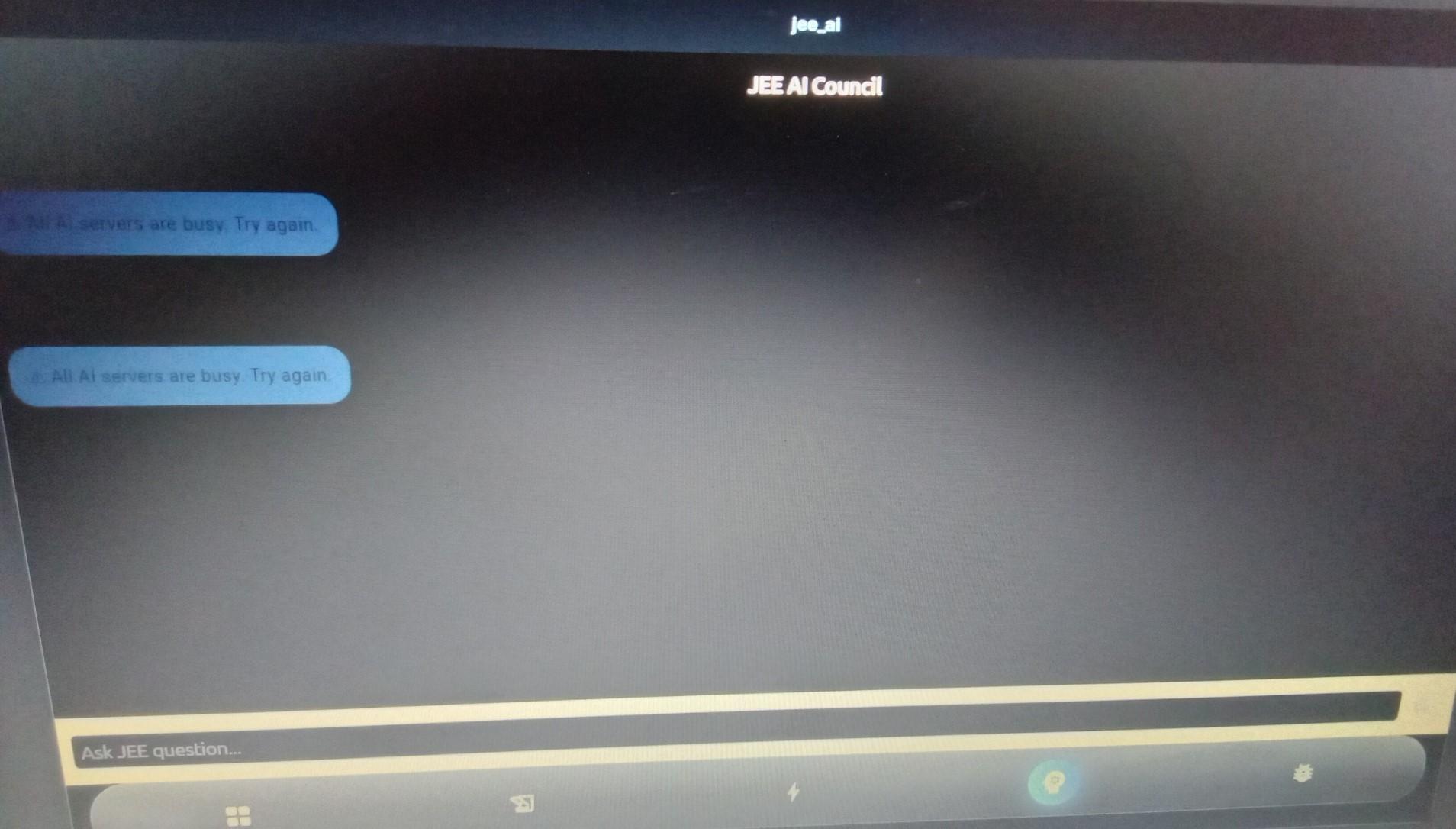
The Problem
During heavy prompt routing, the API hit rate limits and threw 'All AI servers are busy' errors, completely halting the student's workflow.
The Execution & Fix
Built a robust fallback matrix. If the primary model pipeline saturates, requests are automatically routed to secondary edge functions, coupled with exponential backoff retries.
API Contract Drift
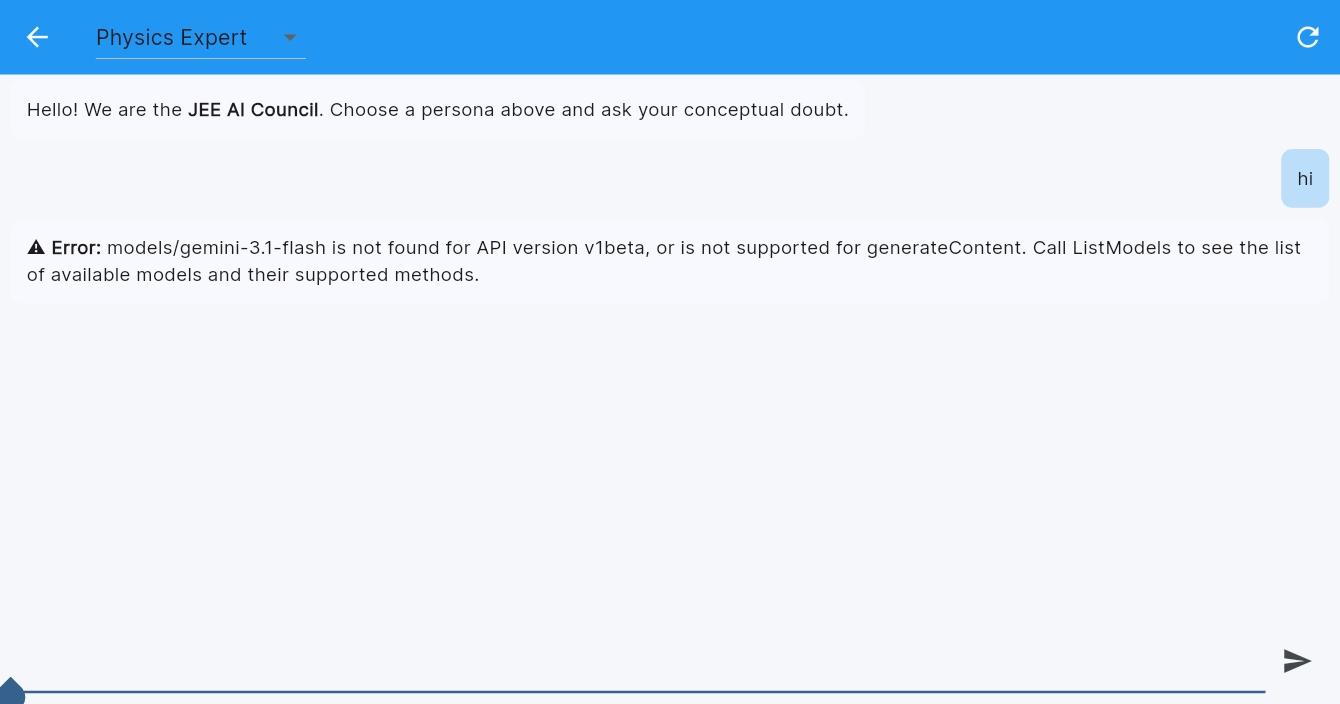
The Problem
A backend schema change broke front-end expectations, causing silent failures while payload validation was missing.
The Execution & Fix
Introduced a typed API contract layer, strict contract checks, and runtime validation on response objects before rendering.
Legacy UI Regression
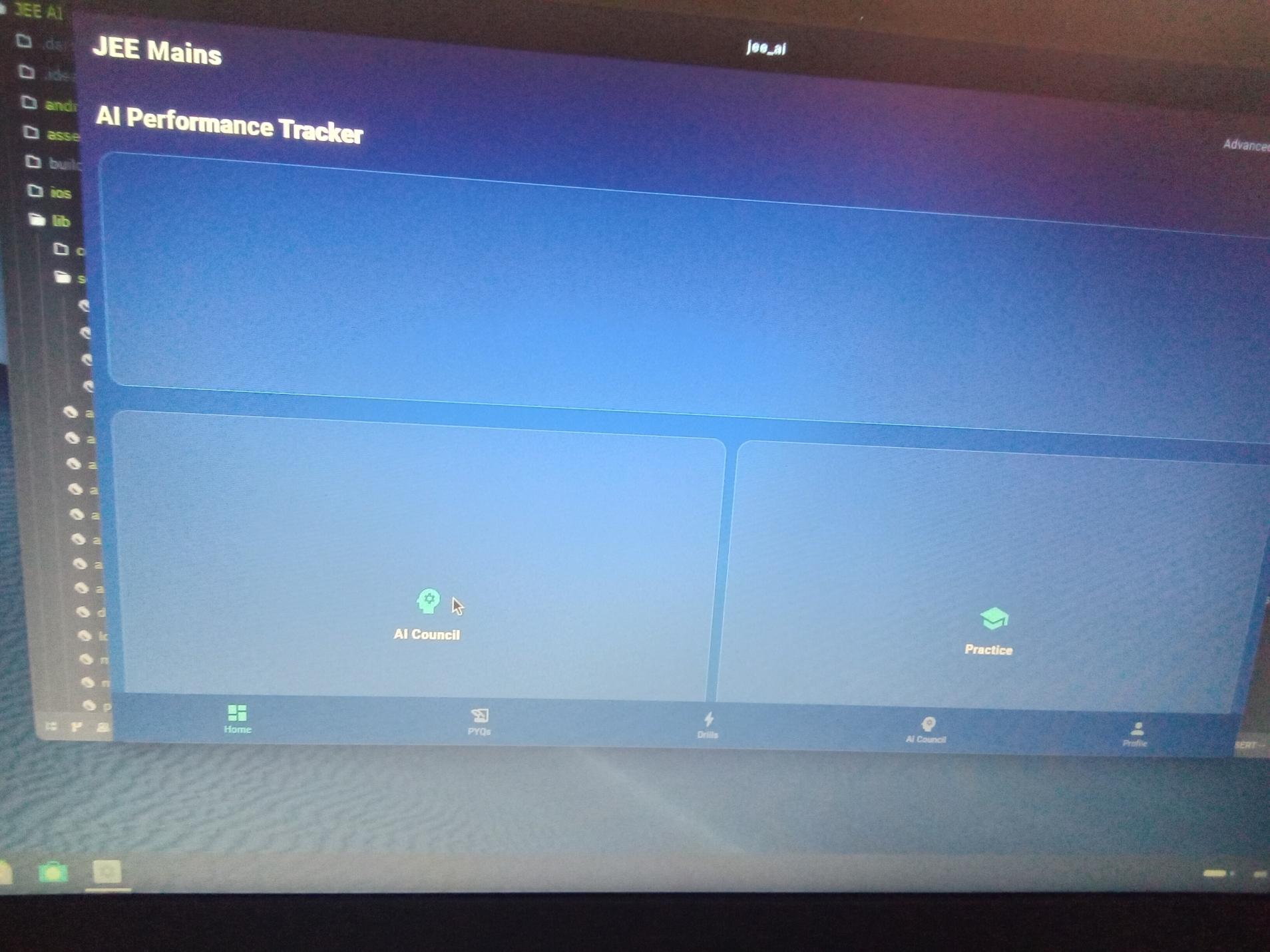
The Problem
A small style change caused a previously stable component to render incorrectly on mobile, producing a broken and clunky interface.
The Execution & Fix
Refactored the component into a modular design system and added visual regression tests for low-end browsers.
Content Loading Error

The Problem
Large content blocks failed to hydrate properly, which left users staring at endless placeholders instead of actual material.
The Execution & Fix
Improved the loading state architecture and ensured that content loaded incrementally with safe fallbacks for missing data.
Infinite Spinner Loop

The Problem
A race condition caused the page to get stuck on an animated spinner while waiting for a failed network request.
The Execution & Fix
Added timeout handling, request cancellation, and meaningful error states instead of endless loading states.
Tokenization Engine Failure
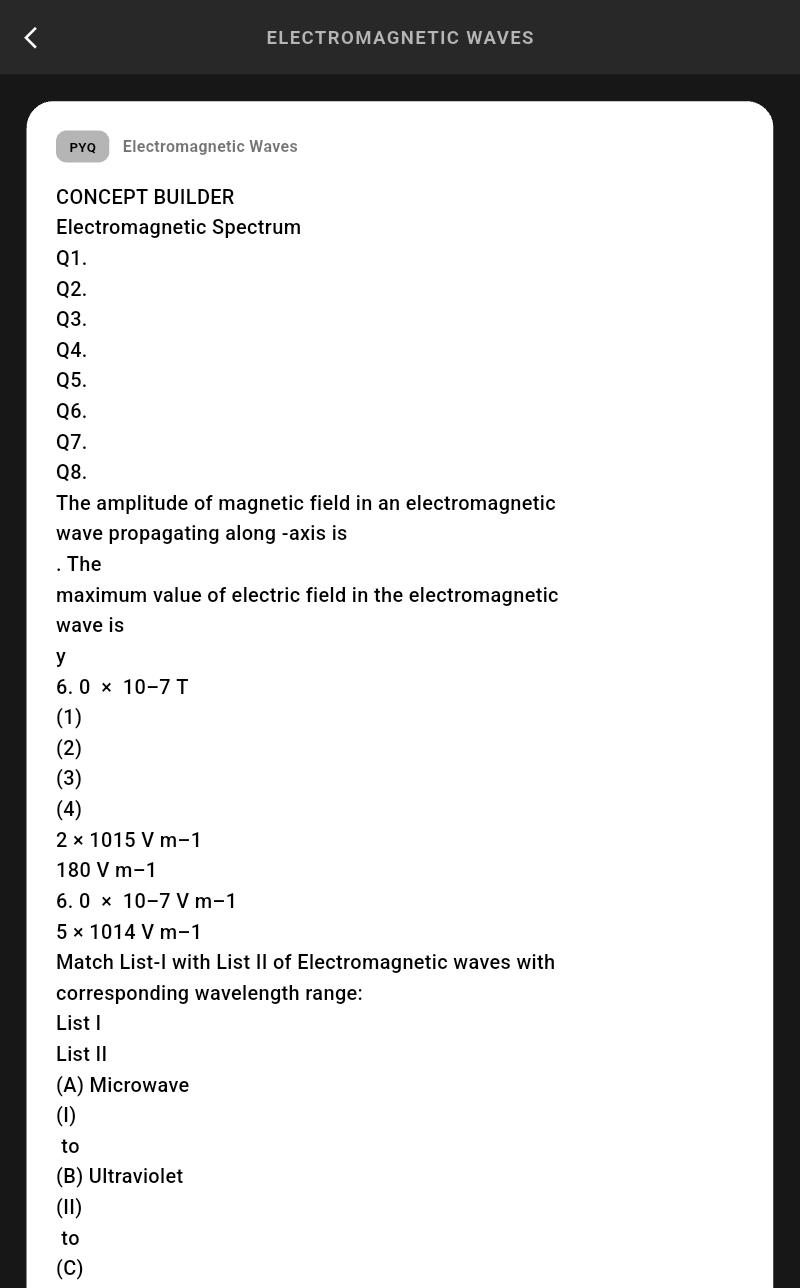
The Problem
Physics questions (like Electromagnetic Waves) failed to parse correctly, dumping raw, unformatted text strings onto the screen instead of structured UI blocks.
The Execution & Fix
Built a custom text parser to intercept the raw LLM string stream, isolating structural blocks and injecting them into a dedicated rendering engine before it hits the UI.
OS Crash on Low-End Devices
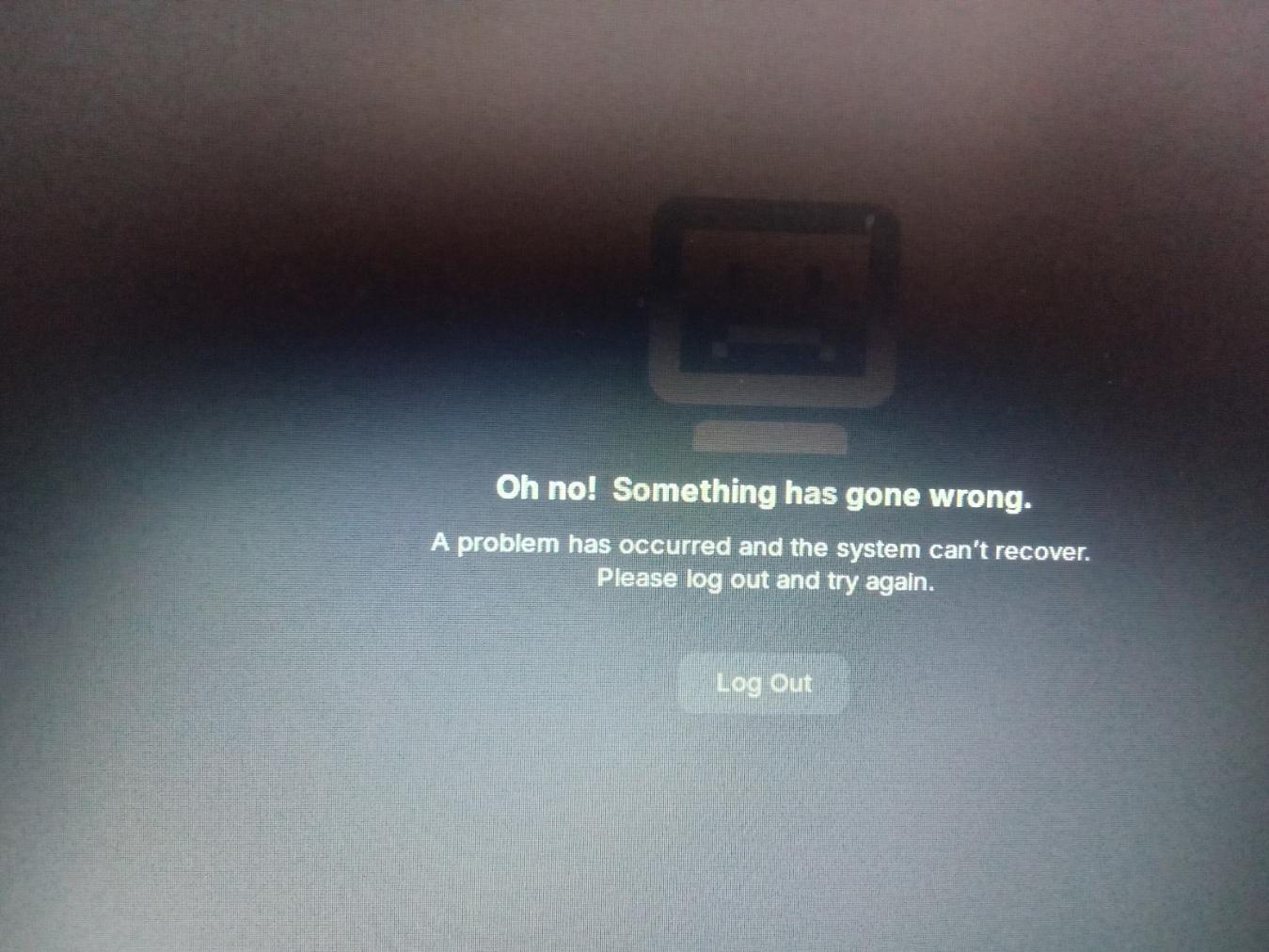
The Problem
The app crashed on slow Android hardware because a single heavy rendering path exhausted system resources.
The Execution & Fix
Optimized rendering, reduced memory overhead, and added fail-safe rendering paths for constrained devices.
Backend Response Delay
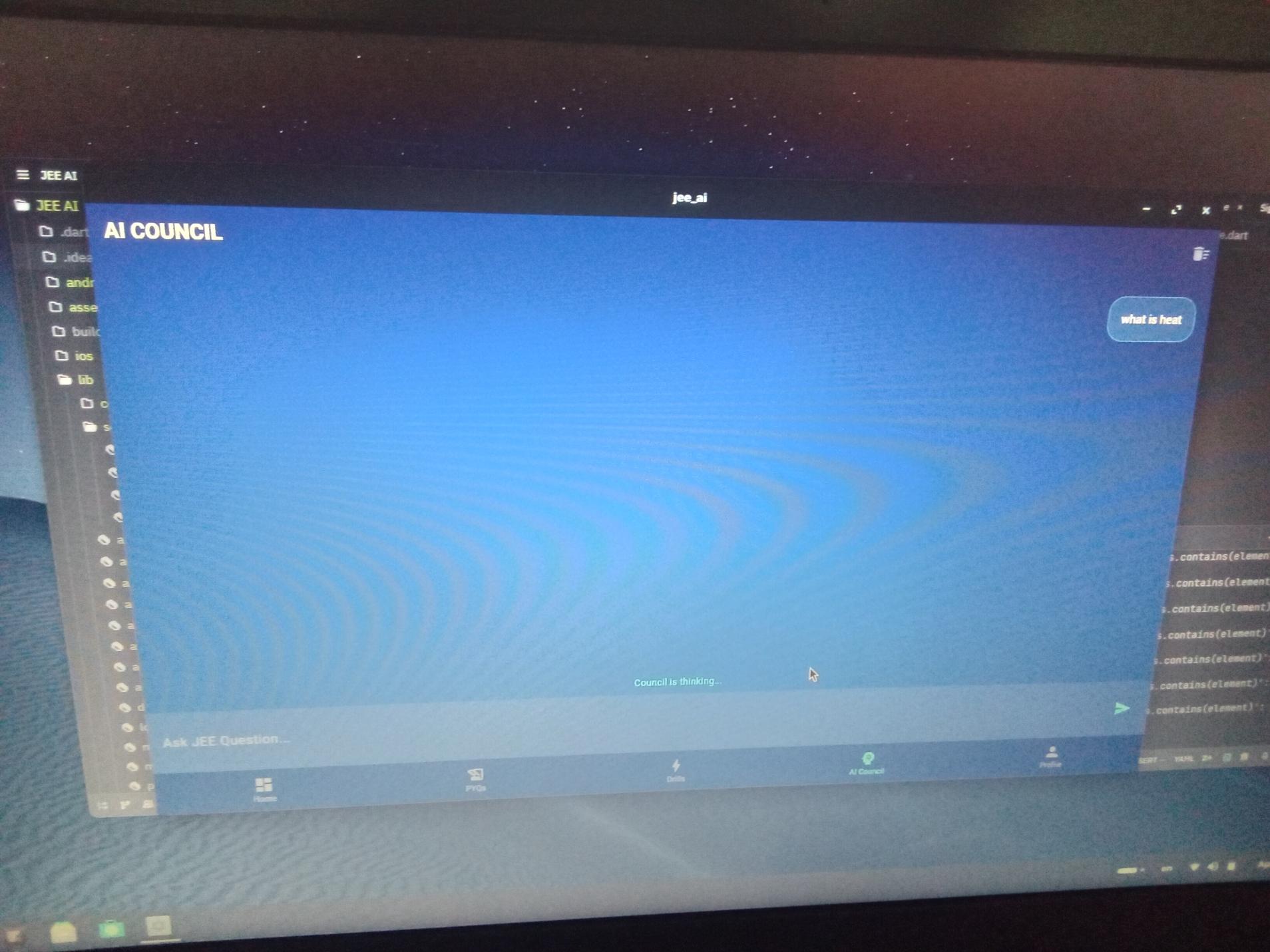
The Problem
Slow backend responses caused the interface to freeze and made the user experience feel unresponsive.
The Execution & Fix
Implemented progressive loading, local caching, and request batching to hide latency from the user.
Supabase Initialization Crash
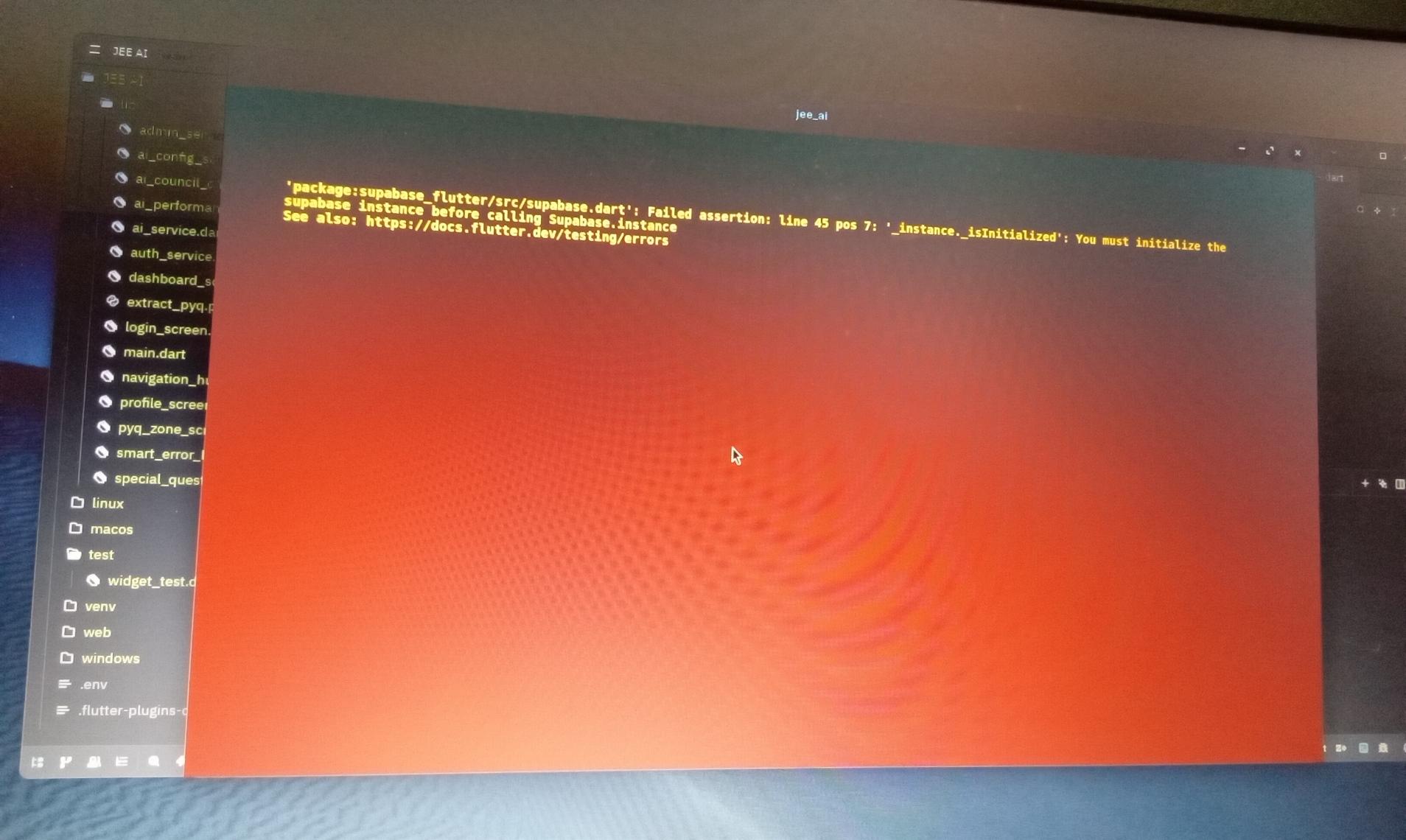
The Problem
The classic Flutter Red Screen of Death. The application tried to call the backend instance before the asynchronous initialization sequence had completed during app launch.
The Execution & Fix
Rewrote the main asynchronous bootstrapping sequence. Enforced strict dependency injection and awaited all backend infrastructure before painting the first UI pixel.
RLS Storage 403
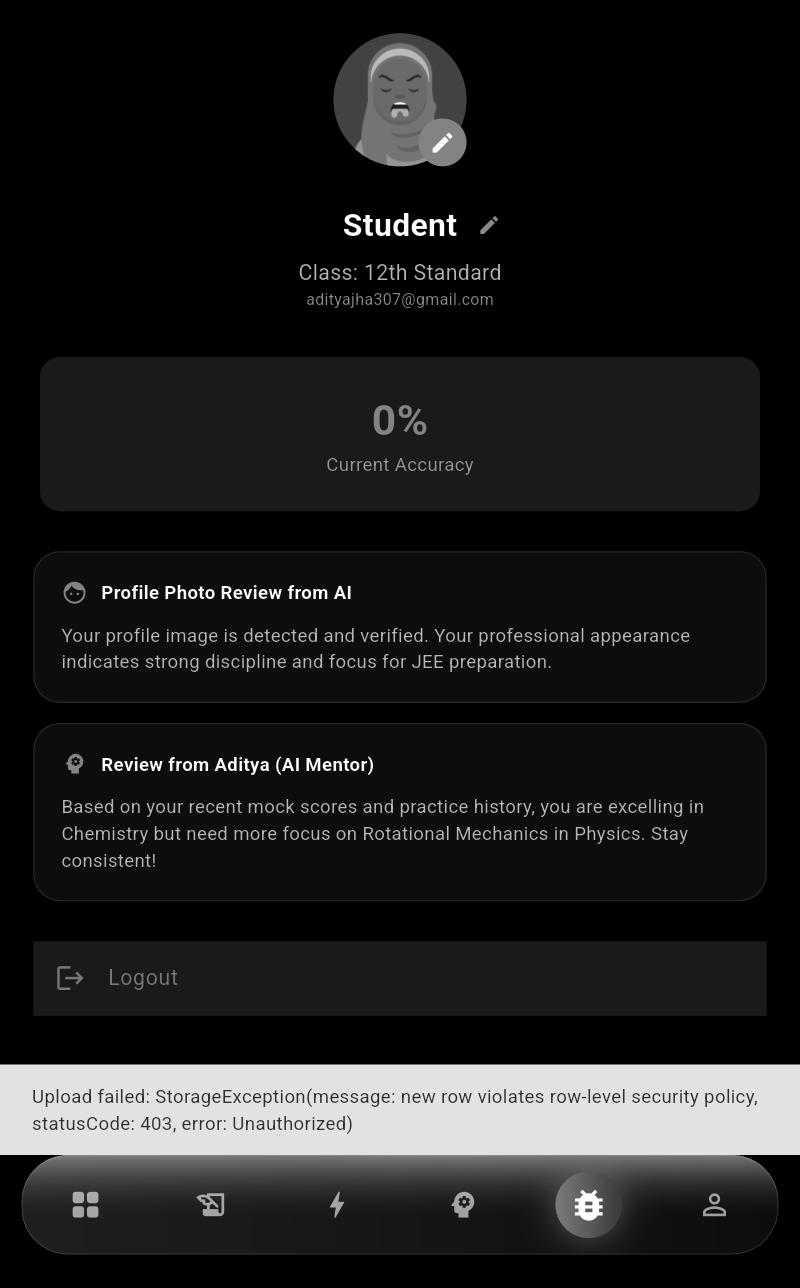
The Problem
When attempting to upload profile avatars, Supabase threw a hard '403 Unauthorized' StorageException because Row-Level Security policies were too restrictive.
The Execution & Fix
Audited the Postgres database and wrote custom SQL policies to verify auth.uid() against the storage bucket path, securing uploads while keeping them functional.
WebView Disconnect
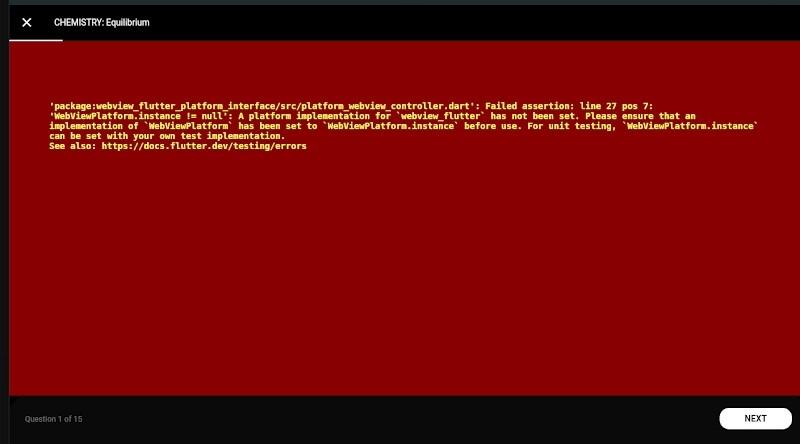
The Problem
When rendering complex Chemistry and Kinematics questions, the Flutter WebView plugin crashed with a 'WebViewPlatform.instance != null' error because the platform-specific implementation wasn't registered.
The Execution & Fix
Manually registered the SurfaceAndroidWebView engine for Android builds and established fallback web routing to ensure complex equations rendered without crashing the app shell.
White WebView Regression

The Problem
A thin edge case caused the WebView to render a blank white frame instead of the expected interactive content.
The Execution & Fix
Added a monitoring hook and fallback UI so that the WebView gracefully recovers without destroying the session.
Widget Initialization Failure
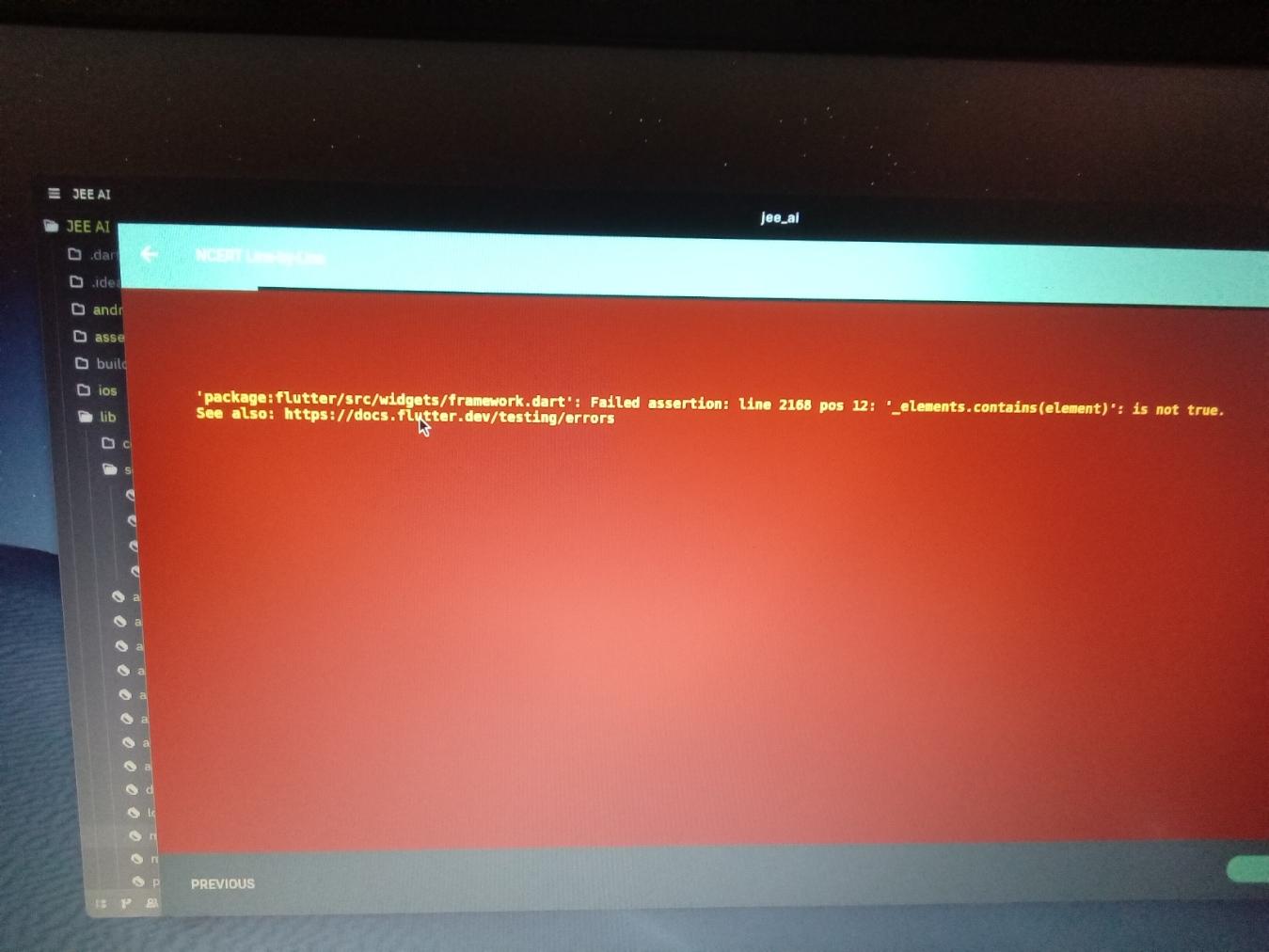
The Problem
A dynamic widget failed to initialize correctly because its dependencies were loaded out of order.
The Execution & Fix
Introduced a dependency resolver and a lazy initialization flow to ensure widgets only mount after all required services are ready.
Early UI & Graphic Bloat
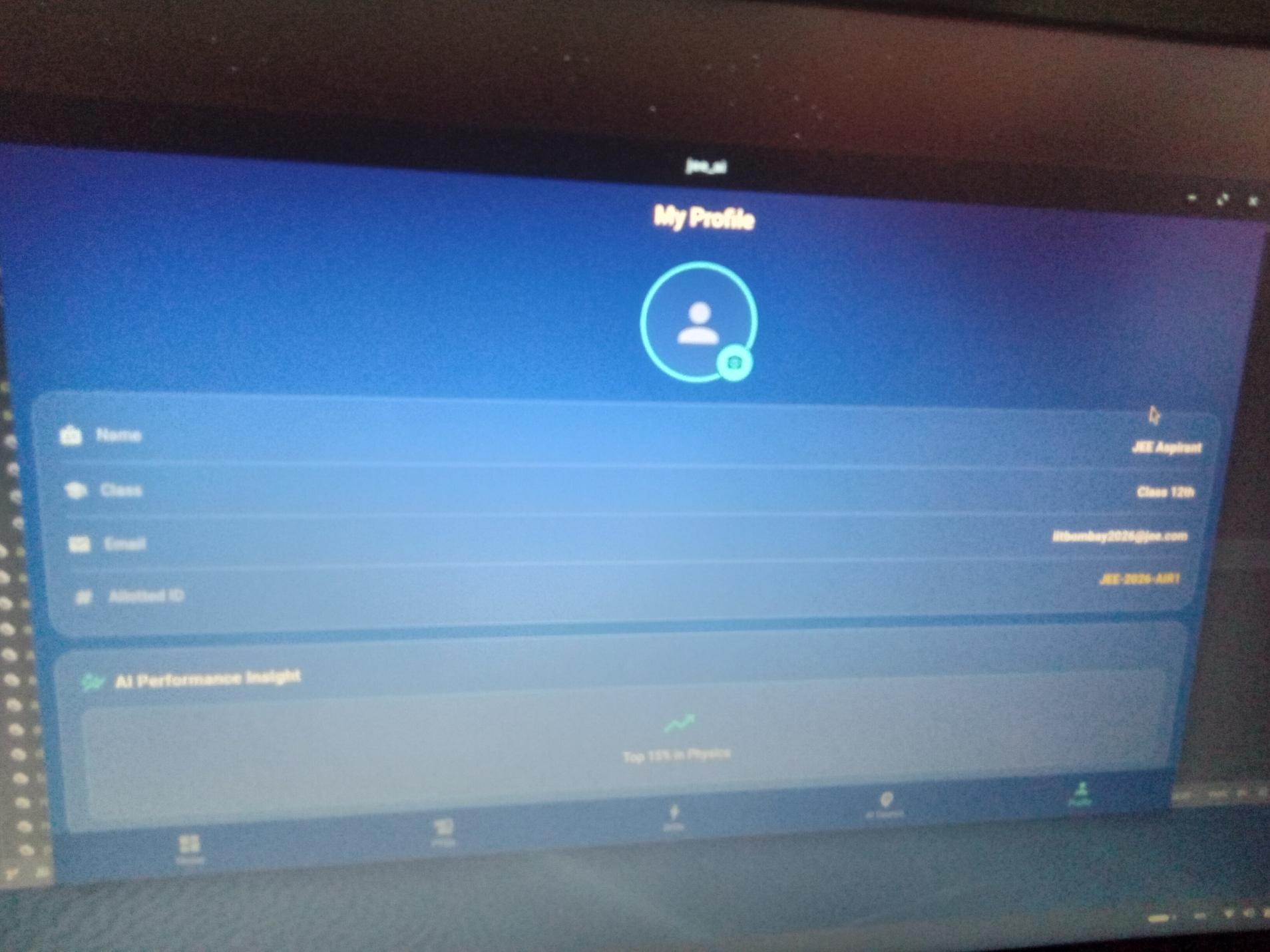
The Problem
The initial profile dashboard was a cluttered, blue-gradient nightmare. It looked cheap and consumed unnecessary rendering resources on budget devices.
The Execution & Fix
Scrapped the entire design system. Pivoted to the brutalist, minimalist dark-mode glassmorphism we use today. High contrast, pure utility, zero bloat.